
Company
21 Aug 2026
By Jambo Team
Published on 15 May 2026
OmniDev
jambo team
If you looked at any developer’s browser at Jambo a year ago, you’d see a chaotic puzzle of extension icons spilling out of the toolbar.
We had a color picker extension. A JSON formatter. A Tailwind scanner. A network logger. A full-page screenshot tool. Every time we encountered a new frontend inspection, QA, or capture need, we downloaded another single-purpose tool.
This led to our breaking point.
The "one extension per problem" philosophy was killing our productivity. More importantly, it was killing our computers.
Having dozens of disparate extensions running simultaneously was severely lagging our browsers and slowing down our local environments. Worse, many of these third-party tools didn't quite meet our specific workflow needs, leaving us with a bloated browser that still felt inadequate. We needed a unified suite, but one that didn't consume all our memory.
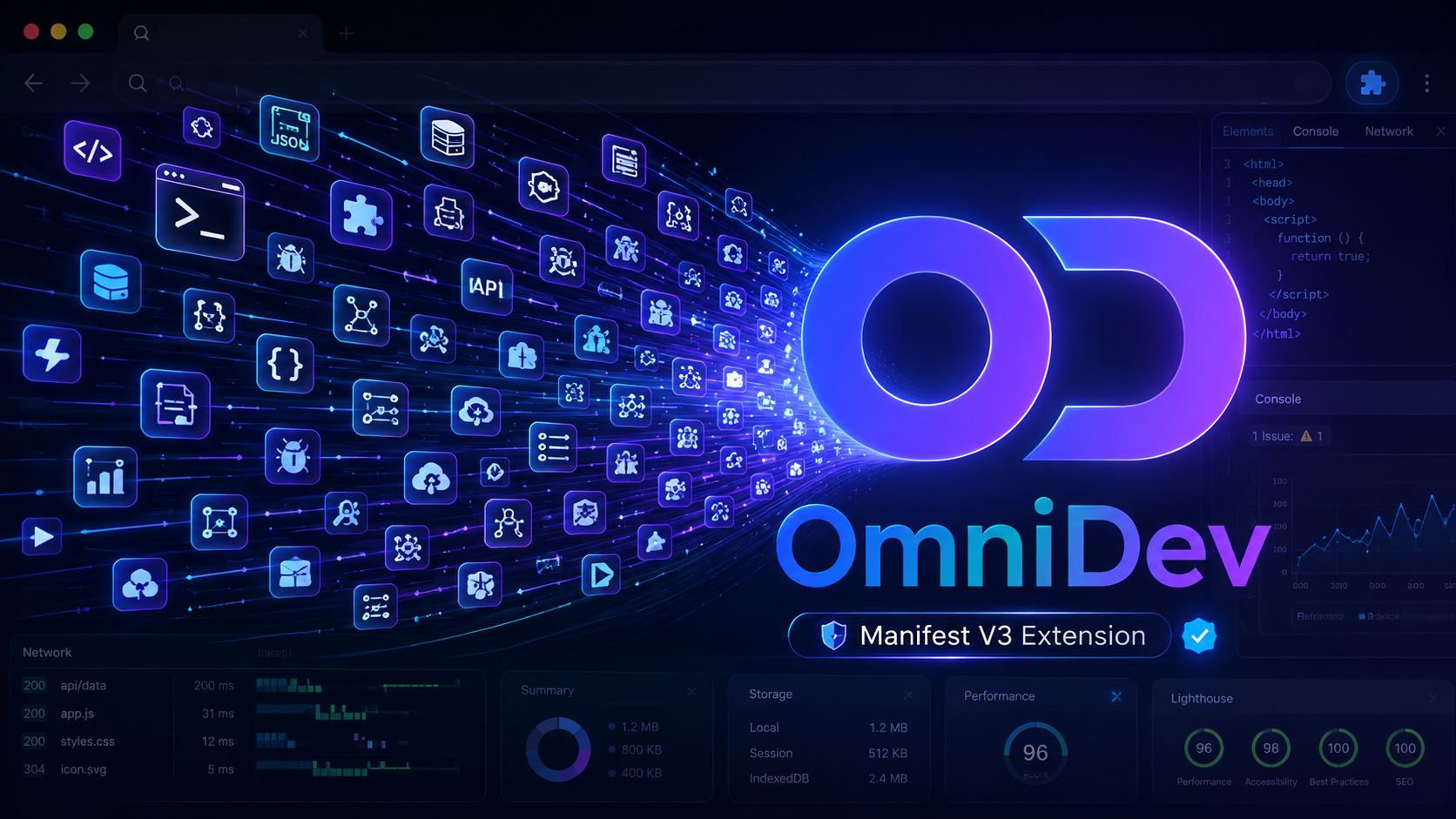
We decided to build OmniDev: a single Chrome extension for frontend inspection, capture, QA, and analysis workflows.
As we mapped out the requirements for OmniDev, the scope terrified us. We were looking at a tool registry of roughly 50 distinct tools—ranging from a Z-Index Map and Animation Debugger to an SEO Checker and a Tech Stack Analyzer.
If we weren't careful, we would just be replacing 50 laggy extensions with one massive, unusable, laggy extension. We had two distinct mountains to climb: a massive UX challenge, and a brutal technical architecture challenge under Chrome's Manifest V3.
The biggest challenge for our product designers was the UX. How do you make 50 tools highly discoverable without turning the user's browser into a cluttered mess?
We wanted OmniDev to be incredibly easy to access, but it couldn't interfere with the user's active browsing session. We went back and forth on layouts, debating sticky sidebars vs. floating menus. We spent days iterating on the positioning and customization of a floating dock.
Ultimately, we landed on a hybrid approach powered by a centralized metadata registry:
While design was wrangling the dock, engineering was fighting a two-front war: host page interference and Manifest V3 restrictions.
Host Page Warfare In the past, we suffered through debugging sessions where our own ReactJS UIs and functions were randomly breaking. After hours of pulling our hair out, we’d realize a rogue Chrome extension had injected conflicting global CSS or mutated the DOM unexpectedly. Disabling the extension instantly fixed the bug.
We established a core engineering belief: Host pages must be protected from extension UI. To guarantee OmniDev would never break the sites we were QAing, we appended our entire UI into an isolated shadow root and attached a Shadow DOM. We strictly avoided global CSS framework imports, relying instead on inline React styles using our own scoped token objects.
The Manifest V3 Wall OmniDev required deep page-world telemetry—things like intercepting console logs, fetch requests, XMLHttpRequest, and WebSocket activity for our Network Logger and Console Explorer.
Under Manifest V3, content scripts live in an isolated world. They cannot monkey-patch the host page's window object.
To get around the MV3 isolation without compromising security, we engineered a custom cross-world telemetry channel.
Instead of trying to hack the standard extension content script, we injected a highly specialized bridge directly into the page’s main execution environment. This allowed us to patch console and network APIs and observe core web vitals directly.
The real breakthrough was securing this bridge. To prevent malicious pages from hijacking the extension, we designed a strict, typed data flow. We engineered the system so that control commands are handled entirely out-of-band via a secure background worker. This ensures that the host page can never issue unauthorized instructions to the extension, keeping the telemetry bridge completely safe.
We built the extension on top of a modern stack using React 19 and Vite.
To ensure our 50 tools didn't bloat the initial runtime, we leaned hard into code-splitting and dynamic imports. Every major tool is lazy-loaded. If a developer only needs the Color Picker, the extension only loads the exact chunk of code needed for that specific task. The heavy lifting—like the Tech Analyzer and PDF generator—stays completely dormant until explicitly summoned.
We wired this all together through a centralized background worker that orchestrates tab captures, tech-analysis heuristics, and secure command routing.
The transition internally was immediate. We uninstalled dozens of random extensions and replaced them exclusively with OmniDev.
The workflow improvements exceeded our expectations. Because everything was tightly integrated—from taking a full-page screenshot to extracting HAR network logs and generating a bug report—our QA times were reduced by 80%. Today, 100% of our team members are actively using it daily. No more browser lag, no more broken React apps during debugging, and no more context switching.
Building OmniDev taught us a critical lesson about developer tools: respect the ecosystem.
When you build a tool that lives inside a developer's browser, you are a guest in their house. By enforcing strict Shadow DOM isolation, leaning into lazy-loading to protect memory budgets, and building secure bridges for MV3 telemetry, we created a powerhouse tool that operates completely invisibly—until the exact second you need it.
Stop juggling dozens of laggy extensions and clean up your toolbar.
21 Aug 2026
13 Feb 2024

14 Dec 2024