
Company
15 Mar 2023
By Jambo Team
Published on 3 Jul 2026
Kumbuka App
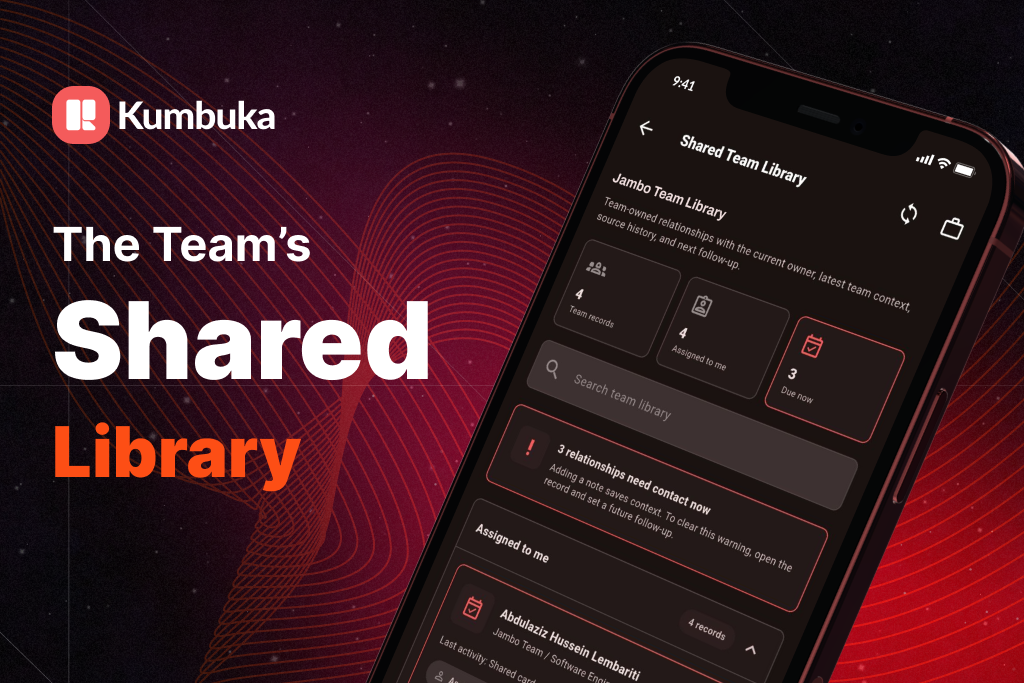
Most business relationships start in small moments: a scanned card after a meeting, a quick exchange at an event, a promising introduction during a field visit. But too often, that context stays with one person. The contact is saved, the note is private, and the follow-up depends on memory.
Kumbuka’s Shared Team Library is built to change that.
It gives teams a private, shared place to manage business relationships together, without taking away the personal control that makes Kumbuka useful in the first place. Your personal cards stay yours. When a contact is ready for the team, you choose to share it.
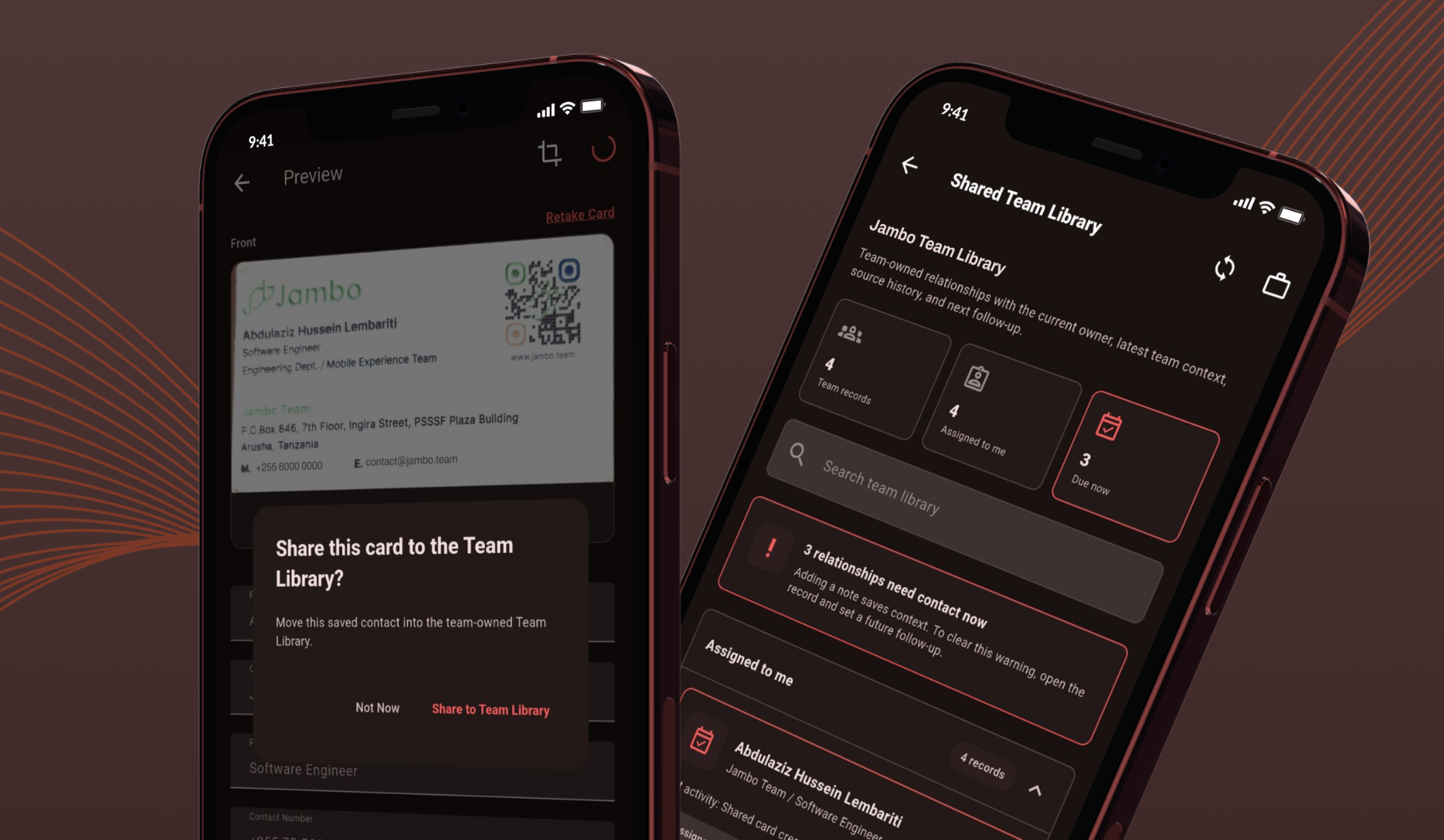
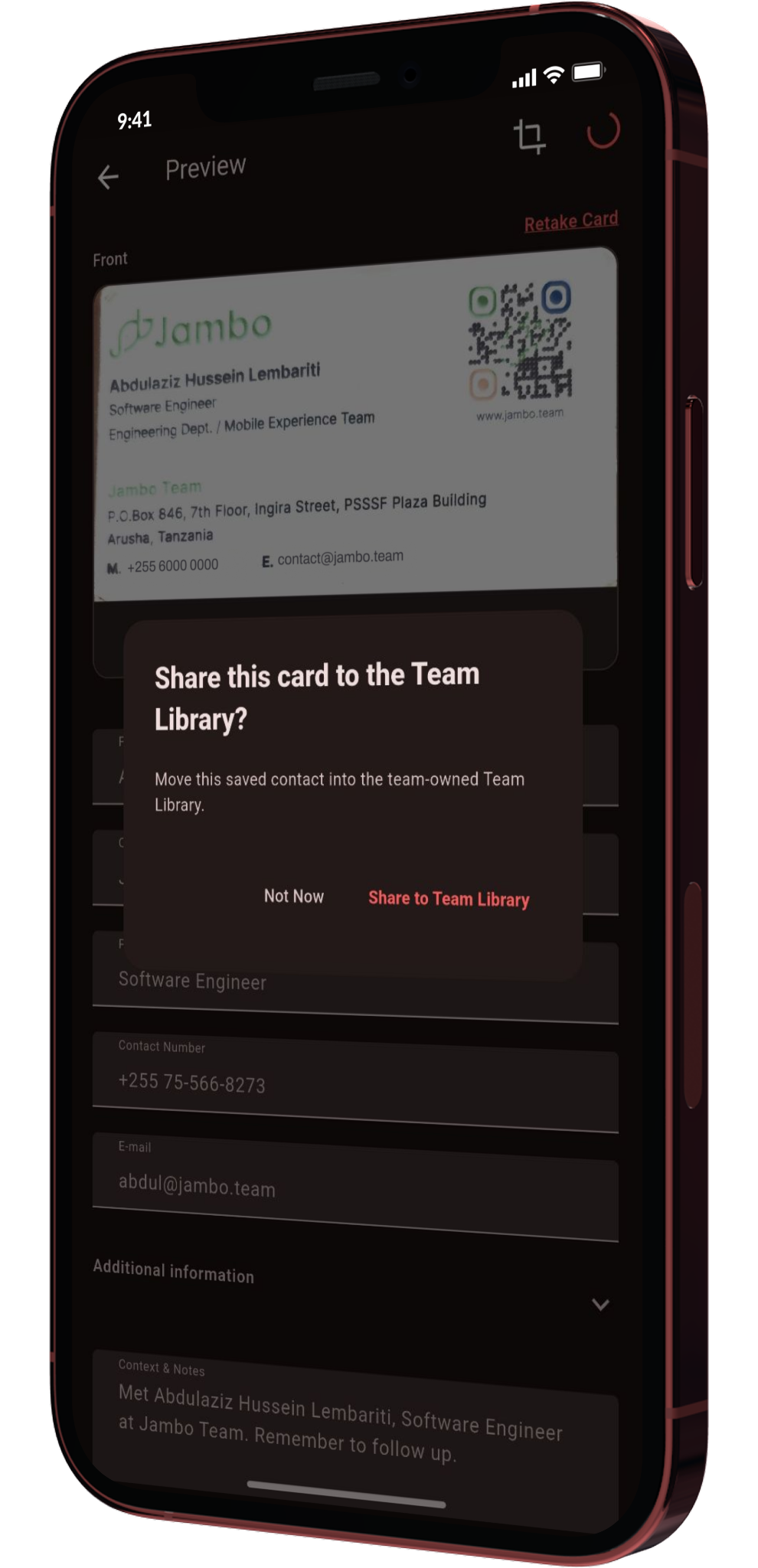
With Shared Team Library, a saved contact can become a team-owned relationship.
When you share a card, Kumbuka can create the shared record with the important business context: who the person is, where the relationship came from, who owns the next step, what the team should know, and when follow-up should happen.
That means a scanned card is no longer just a static contact. It becomes a relationship your team can act on.
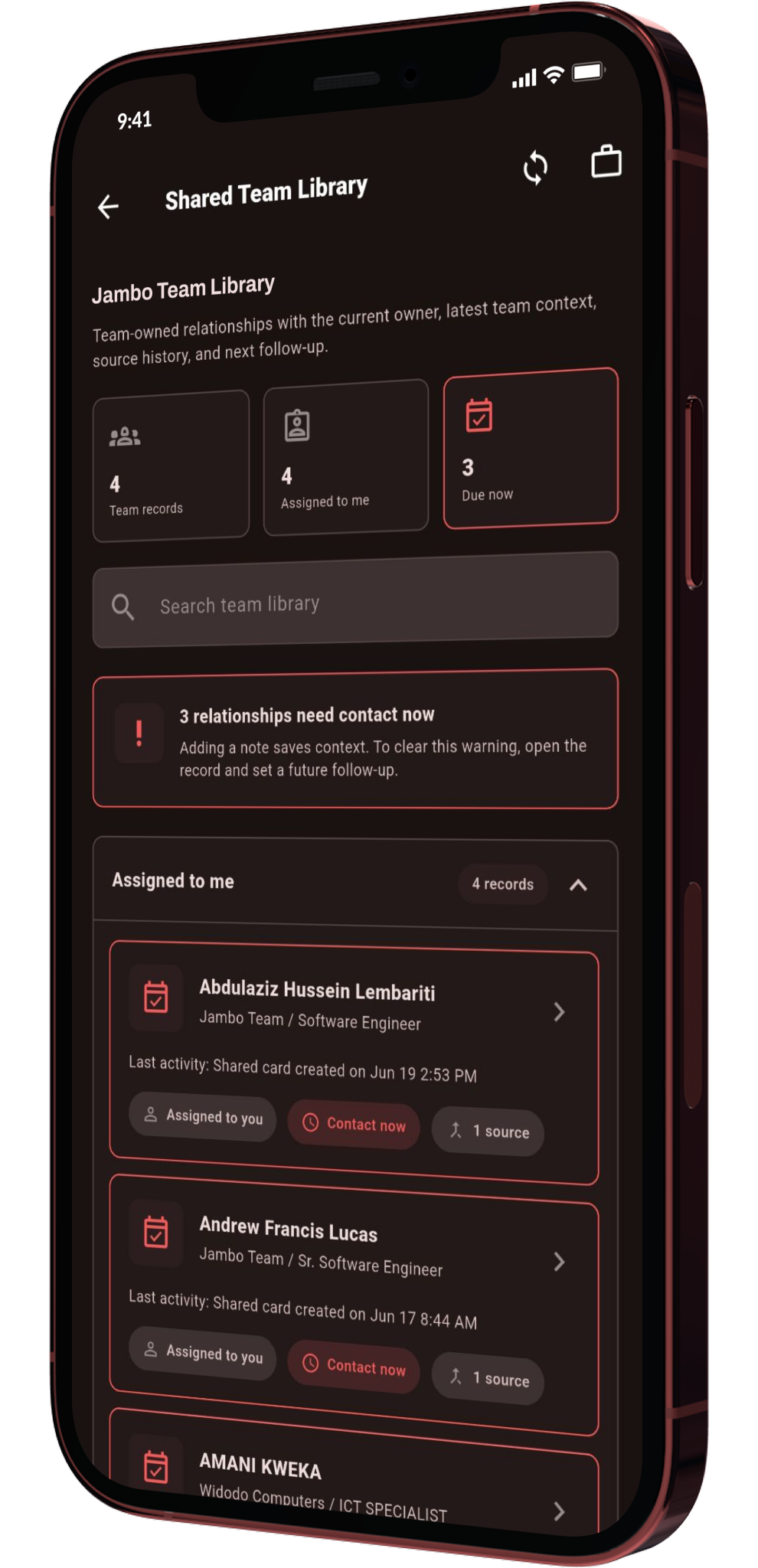
A rep can share a promising lead from the field. A manager can see which relationships need attention. Ops can prepare exports or integrations. A teammate can pick up a handoff with the right context instead of asking, “Wait, who spoke to them last?”
Teamwork breaks down when context disappears.
Kumbuka’s Team Library keeps that context close to the relationship itself. Teams can add shared notes, set next actions, assign ownership, and track recent activity. If a follow-up is due, the record can surface that pressure clearly. If a relationship needs review, ownership, or repair, the team can treat it as work, not guesswork.
This is especially useful for sales teams, event teams, partnerships teams, and anyone collecting relationships across meetings, expos, spaces, field visits, or business development workflows.
The Shared Team Library is not a back door into someone’s personal contact list.
Personal cards remain private until a user explicitly shares a contact to the team. Personal notes are excluded unless the user chooses to include them. Precise coordinates are not shared by default. Managers see team-shared records, not every card a teammate has saved.
That boundary matters. Kumbuka is designed around trust: people should be able to build their own relationship memory, then promote the right relationships into a shared workspace when it makes sense.
Not everyone on a team needs the same access.
Owners and admins can manage the workspace and invite members. Managers can triage relationships, assign work, review team activity, and report on progress. Reps can share contacts, manage assigned relationships, and complete their own follow-ups. Ops can support exports, data quality, API keys, and integrations. Viewers can keep visibility without changing records.
The result is a team library that feels useful without becoming chaotic.
Relationships do not always stay inside one app. Teams often need to move data into spreadsheets, reporting tools, Zapier workflows, or external systems.
The Shared Team Library supports team exports and integration-friendly workflows so shared relationship data can keep moving. Teams can prepare safe exports, send rows to supported destinations, and manage API access with scoped keys.
That makes Kumbuka useful both at the moment of capture and later, when the team needs to report, reconcile, follow up, or connect the dots across campaigns and events.
Kumbuka has always been about remembering people better.
The Shared Team Library extends that idea from the individual to the team. It helps a group turn scattered contact moments into shared relationship memory: who we met, why it matters, what happened next, and who is responsible now.
Because the real value of a business card is not the card.
It is the relationship that should not be forgotten.
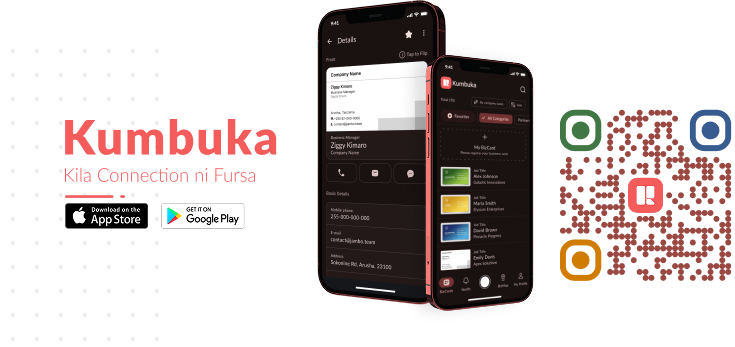
Experience the power of the Shared Team Library firsthand. Sign up for Kumbuka today and turn every handshake into a lasting team asset.
Get started at kumbuka.biz
15 Mar 2023

13 Feb 2024

14 Dec 2024